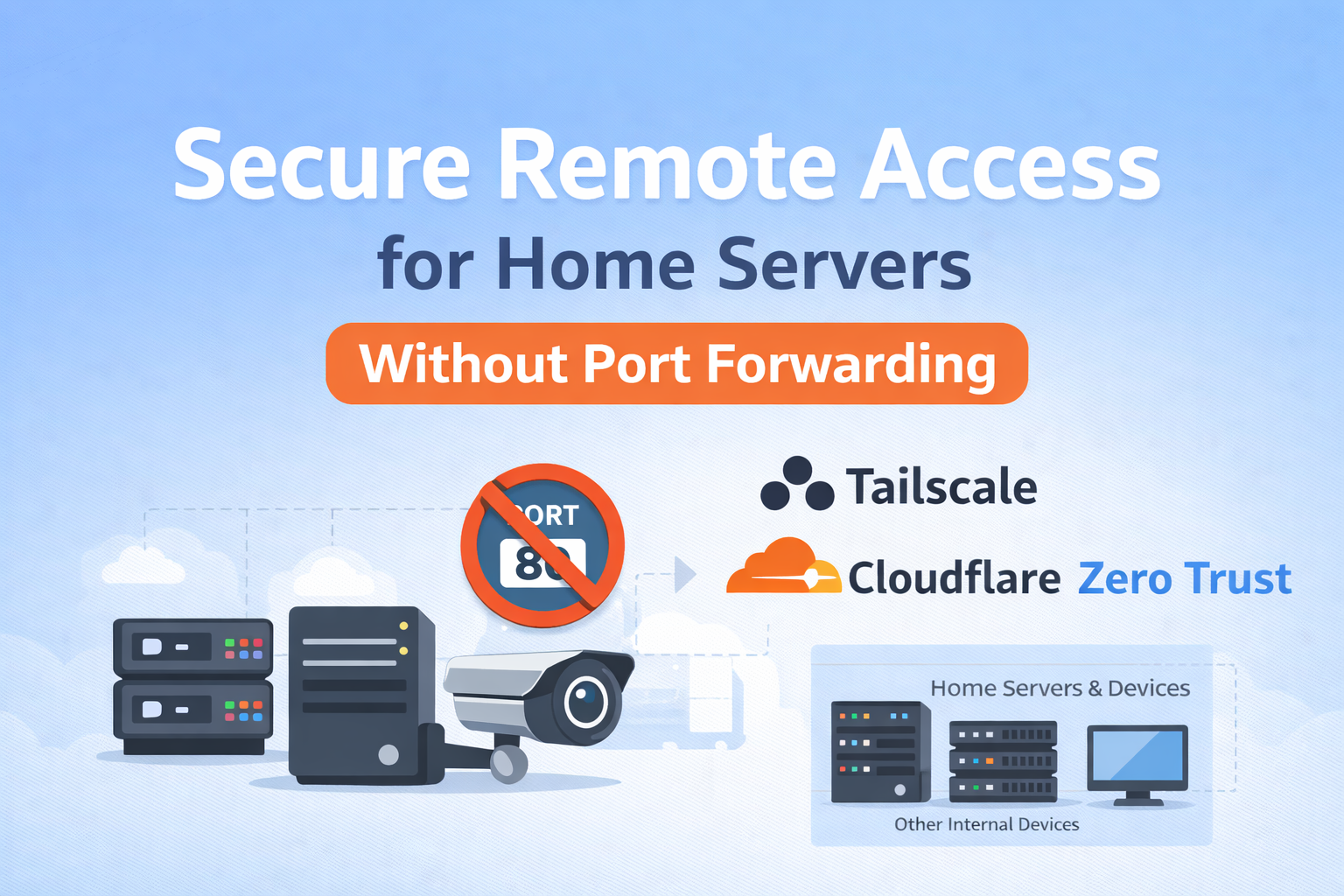
Remote Access Without Port Forwarding: A Smarter Way for Home Labs
If you run a home server, NAS, IP camera, or a small home lab, you’ve probably faced this question at some point:
How do I access my setup remotely without opening ports on my router?
Port forwarding might seem like the easiest solution, but it comes with real risks. Open ports are constantly scanned, and even a small misconfiguration can expose your entire home network to the internet.
So I decided to look for a safer and cleaner way to access my home setup remotely — without port forwarding.
Why Port Forwarding Isn’t Ideal
Port forwarding works, but it has downsides:
-
It exposes your internal services directly to the internet
-
It increases the risk of brute-force attacks
-
It requires constant updates and firewall management
-
It doesn’t follow modern Zero Trust security principles
For a home setup, this felt unnecessary and unsafe.
A Better Way: Private, Secure Access
To solve this, I built a setup using Tailscale and Cloudflare Zero Trust.
Tailscale creates a private, encrypted network between your devices using WireGuard. The best part is that it works without opening any inbound ports. Devices connect outbound, which makes it much safer for home networks.
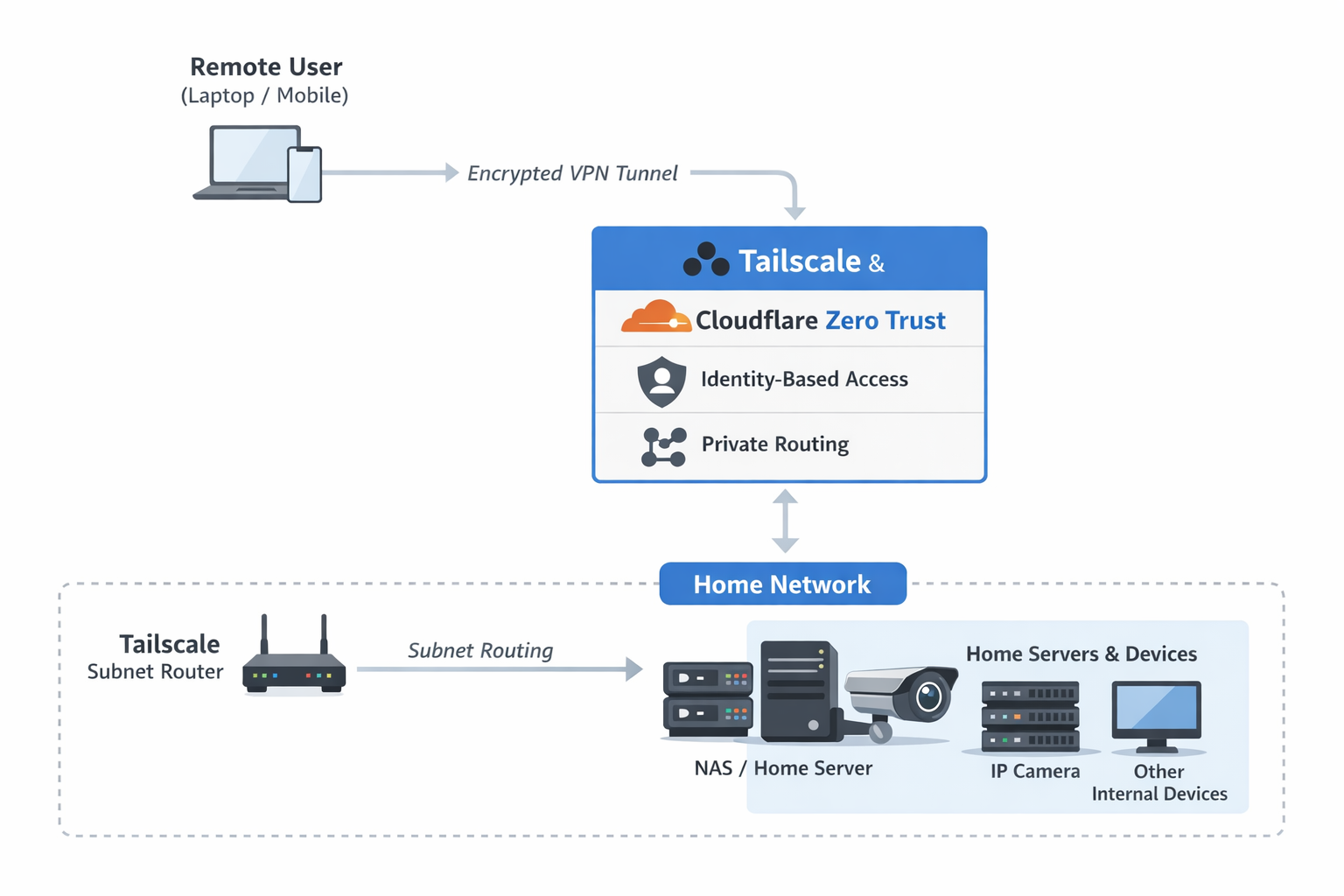
Since not all home devices can run a VPN client (like IP cameras or NAS systems), I used subnet routing. This allows one trusted machine to act as a gateway for the rest of the local network.
Cloudflare Zero Trust adds another layer of security by checking who is trying to access the network, not just where they’re coming from.
How the Setup Works (Simple Explanation)
-
Home servers and devices stay on a private local network
-
One machine runs Tailscale and advertises the local subnet
-
Remote devices connect securely through Tailscale
-
Cloudflare applies identity-based access rules
-
No ports are opened, and nothing is publicly exposed
Everything stays private, encrypted, and controlled.
Why This Works So Well for Home Labs
-
No port forwarding needed
-
No public IP required
-
Traffic is fully encrypted
-
Access is based on identity, not IP address
-
Easy to add more devices later
It’s simple, secure, and very flexible.
Where This Setup Is Useful
-
Accessing home servers or NAS remotely
-
Viewing IP cameras securely
-
Managing a home lab from anywhere
-
Running self-hosted services safely
What I Learned
-
Port forwarding is not necessary anymore
-
VPN mesh networks simplify remote access
-
Subnet routing is perfect for home devices
-
Zero Trust makes home networks much safer
Final Thoughts
This project showed me that secure remote access doesn’t have to be complicated or risky. By combining Tailscale and Cloudflare Zero Trust, it’s possible to access home servers and local setups from anywhere without exposing anything to the public internet.
If you’re running a home lab or local services, this approach is worth exploring. It’s secure, modern, and easy to maintain.